Recently cPanel announced massive price hike and customers were hot at all happy with this change. Many customers already started migration to alternative control panel and others are looking for possible migration.For small web hosts or resellers, this change will affect their business and it will also affect their monthly budgets. DirectAdmin has possible migration option and you can migrate your cPanel accounts to DirectAdmin. Before you decide to migrate, there are few limitations or known issues migrating from cPanel accounts to DirectAdmin. Please go through below URL to before performing migration.
https://forum.directadmin.com/threads/how-to-cpanel-to-da-migration.58059/ Steps to be taken on cPanel server1. Backup the user to
/home/user_backups, replace
username with a real username.
/scripts/pkgacct username /home/user_backups;
2. Transfer whole
/home/user_backups/ to DirectAdmin server. Due to some restrictions, if
rsync does not work, you can manually copy backup archieve to DirectAdmin server.
rsync -avt /home/user_backups/ root@[B]your_directadmin_server.com[/B]:/home/admin/converted_user_backup/Steps to be taken on DirectAdmin server1. Before you start migration, make sure DirectAdmin version is at least 1.57.4 (as of time of writing, pre-release:
https://help.directadmin.com/item.php?id=408).
2. Also ensure your backup is owned by admin user and that you have the latest version of convertor script.
cd /usr/local/directadmin/custombuild
./build update
./build cpanel_to_da
chown -R admin. /home/admin/converted_user_backup
3. Restore it in
Admin Backup/Transfer section on DA admin level (don't forget to set the path to /home/admin/converted_user_backup, otherwise you won't see the backup)
Steps to be taken in DirectAdmin panel- Now login to DirectAdmin control panel.
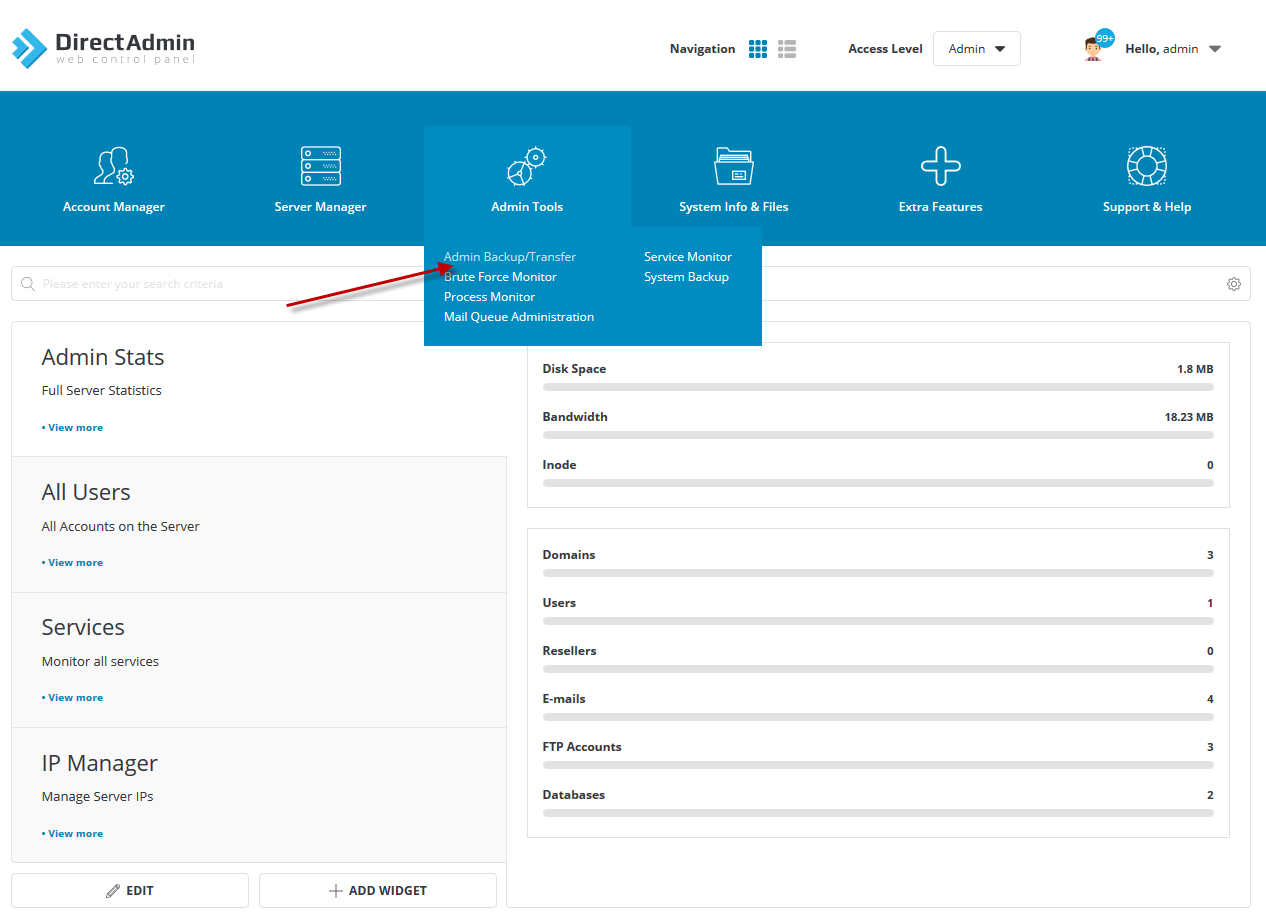
- Click on Admin Tools Admin Backup/Transfer.
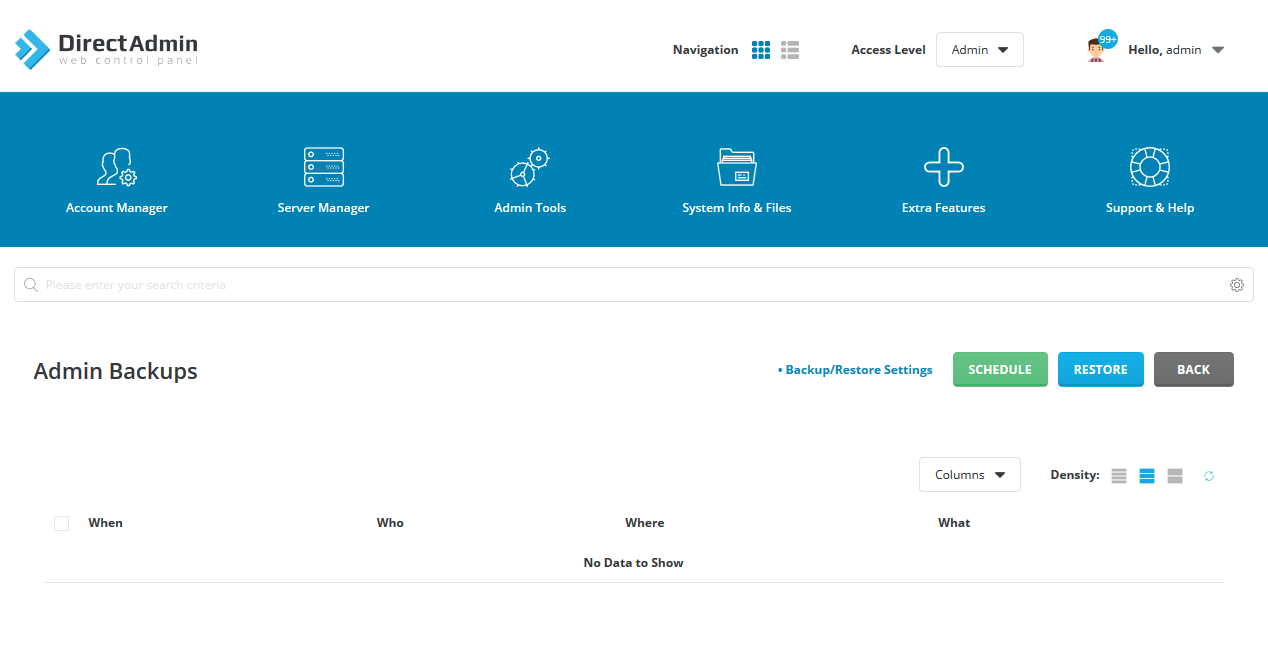
- On the next screen, click on the Restore button.
- On the next screen, Next step.
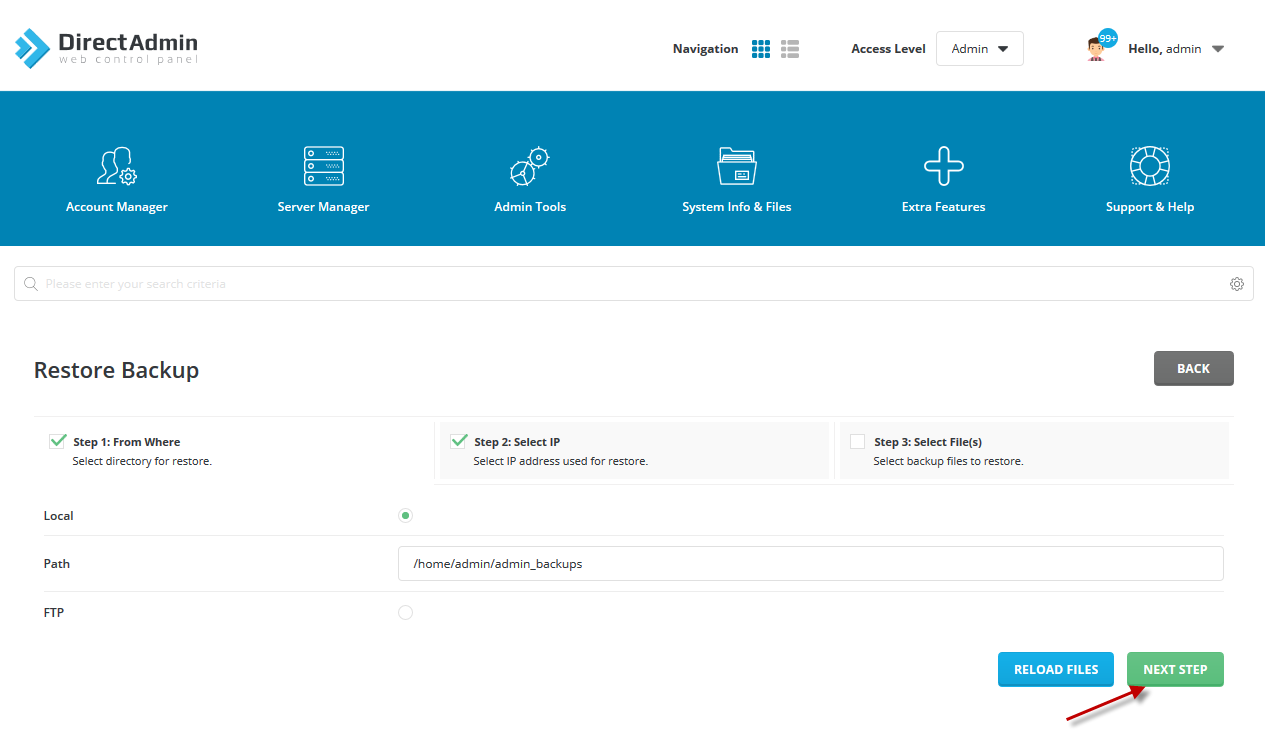
- On the next screen, select from the list and click Next Step.

- Select the backup file zip and click on the Restore button.
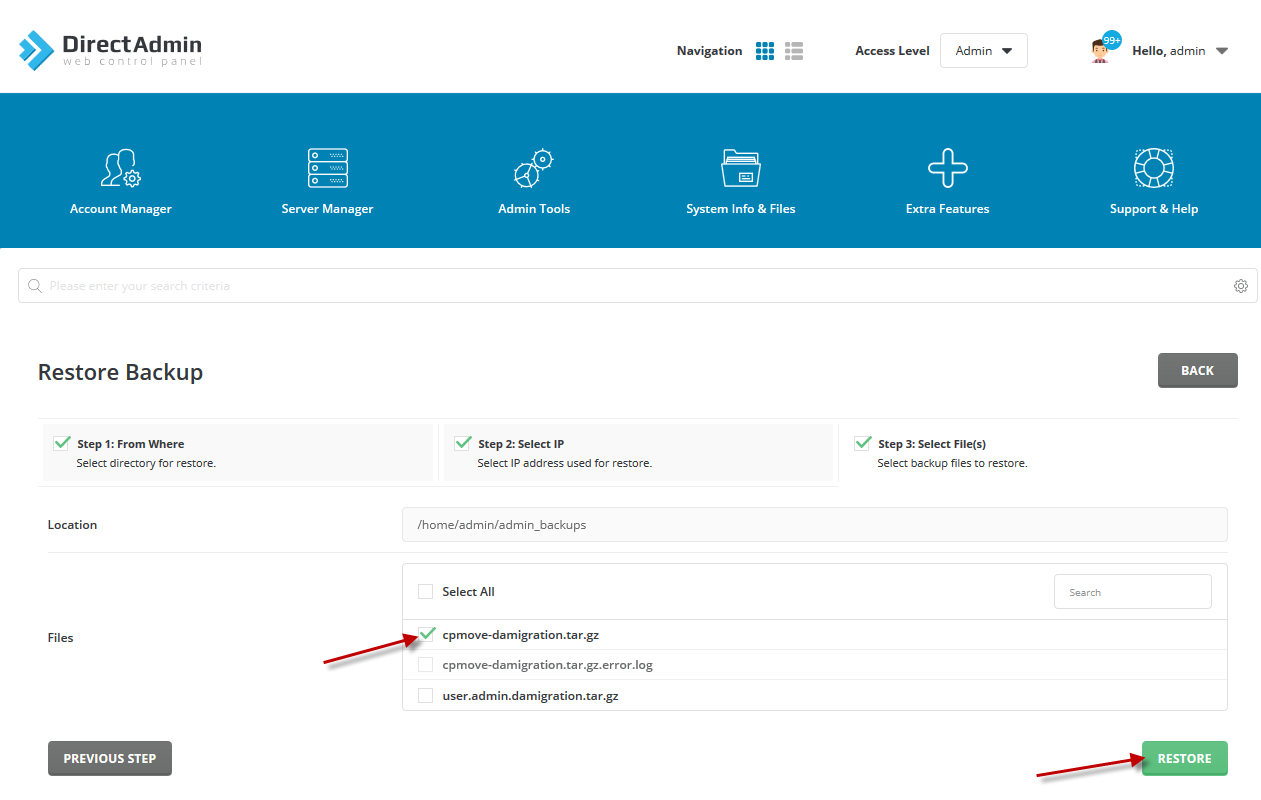
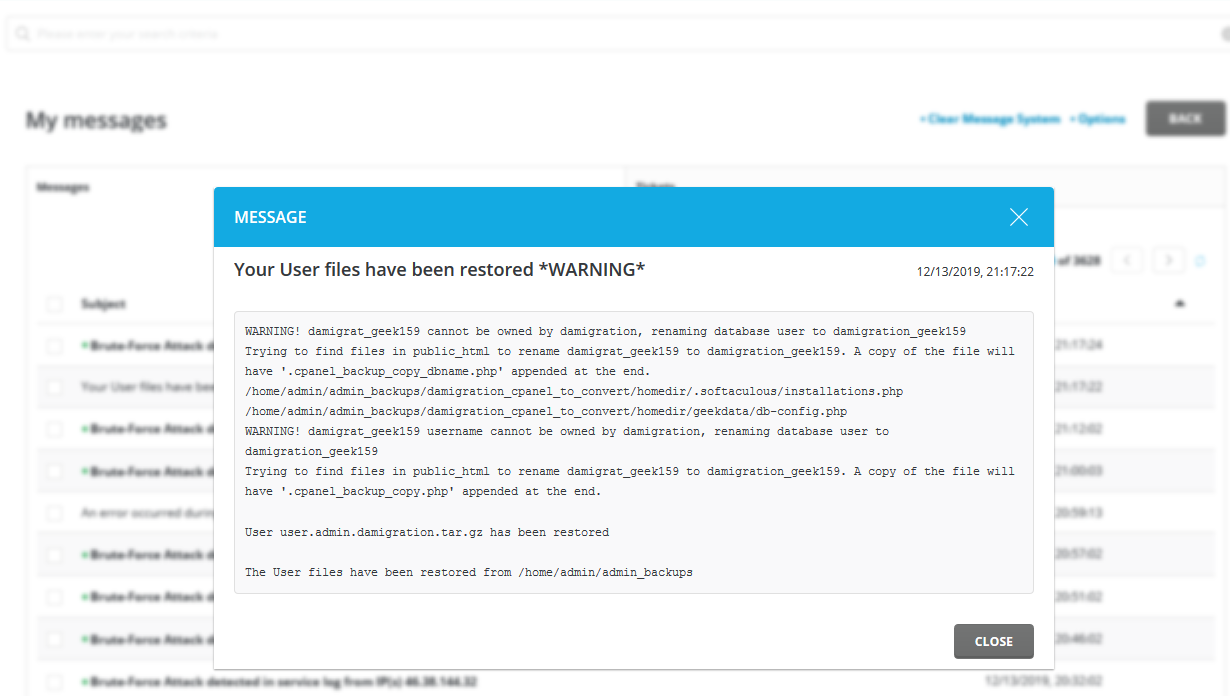
- Once restore is completed, check system messages to check if restore was successful.